
Plugins & Customization
Plugin Architecture
Section titled “Plugin Architecture”Kizuna is designed to be modular. Features can be enabled or disabled based on your needs via the Plugins menu.
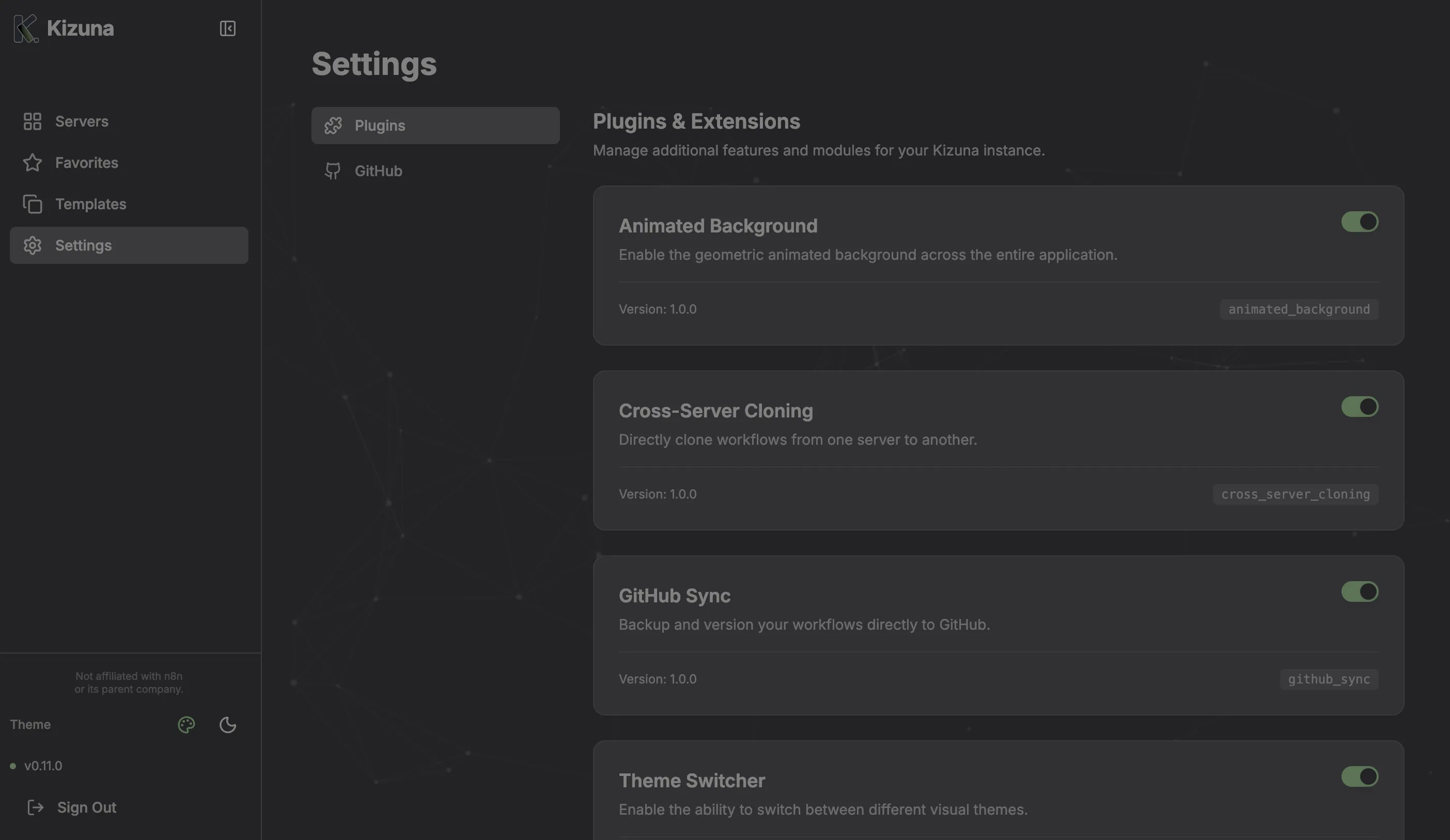
Available Plugins
Section titled “Available Plugins”1. GitHub Integration
Section titled “1. GitHub Integration”Purpose: External version control.
- Connect your GitHub account using a Personal Access Token (PAT).
- Push workflow snapshots directly to a selected repository.
- Includes commit messages for tracking changes.
2. Cross-Server Cloning
Section titled “2. Cross-Server Cloning”Purpose: DevOps and Migration.
- Enables the “Clone to Server” action in the workflow details view.
- Disable this in production environments if you want to prevent accidental migrations.
3. Theme Switcher
Section titled “3. Theme Switcher”Purpose: Personalization.
- Unlocks additional themes beyond the default Dark/Light modes.
- Mint: The signature Kizuna look.
- Ocean: deeply saturated blue tones.
- Classic: Standard n8n-like colors.
4. Animated Background
Section titled “4. Animated Background”Purpose: Aesthetics.
- Adds a subtle, geometric particle network animation to the background of the application.
- Responsive and performance-optimized (pauses when tab is inactive).
Managing Plugins
Section titled “Managing Plugins”Only users with the Admin role can enable/disable system-wide plugins.